
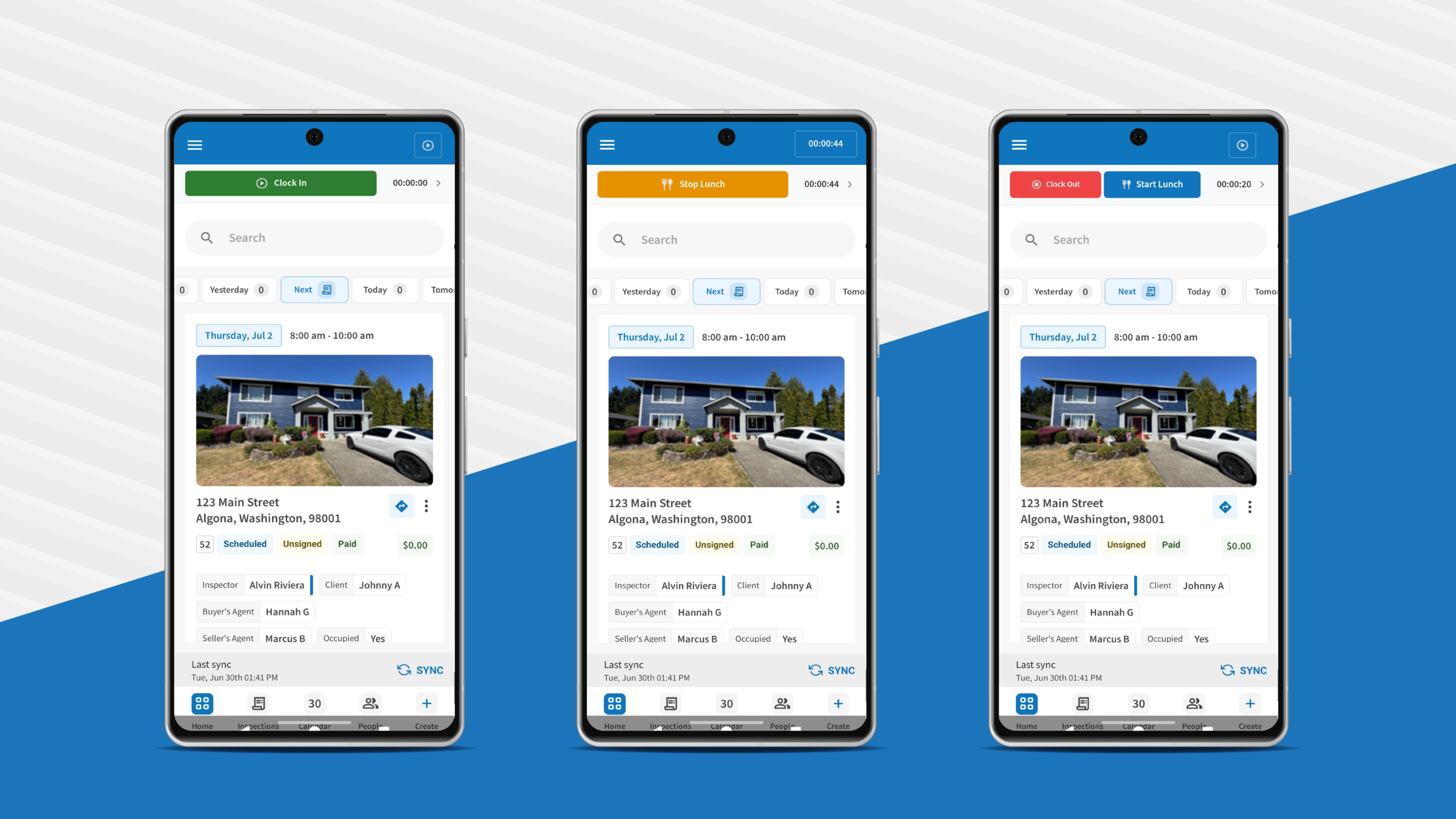
Our latest updates to the ISN mobile app let home inspectors manage time tracking and custom orders straight from your phone. Instead of messing with fixed forms or digging through unwieldy menus while you are behind the wheel between jobs, these new features put your schedule’s time clock and your customized order forms directly on your mobile device.
When you’re constantly on the go, writing reports, and trying to keep your business moving, these updates mean less screen time and fewer clicks. Here is everything you need to know about what’s new and how it helps your business.
How does the new mobile time tracking feature work?
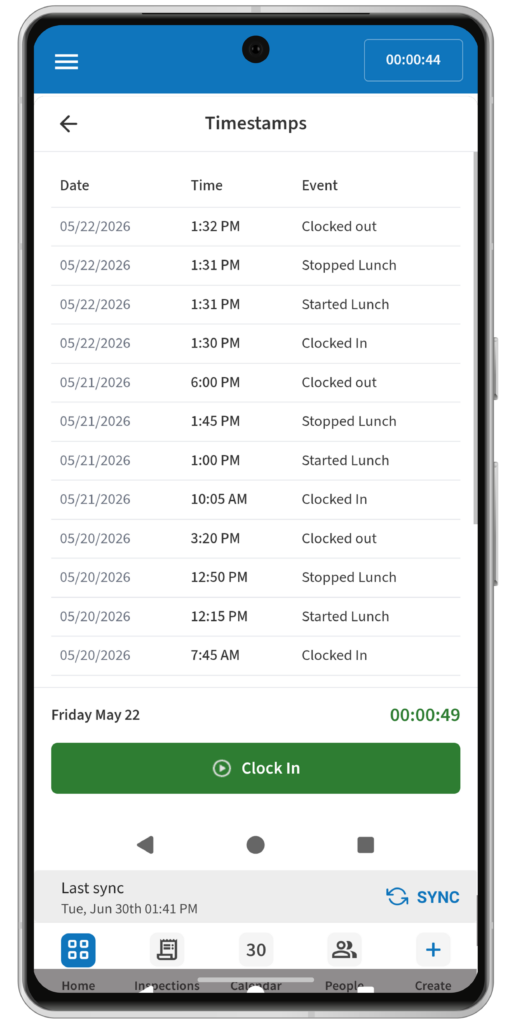
You can clock in, clock out, and log time right from any screen instead of clicking through menus.
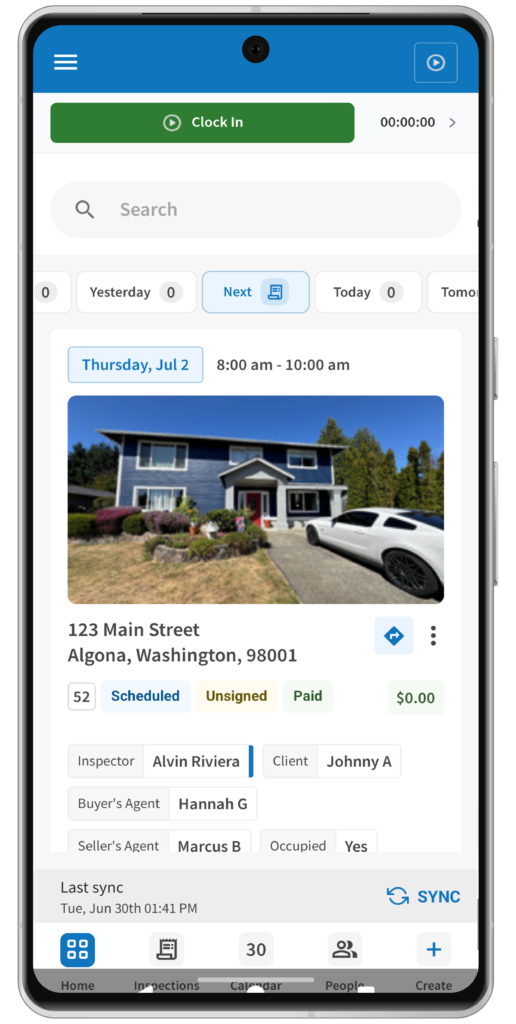
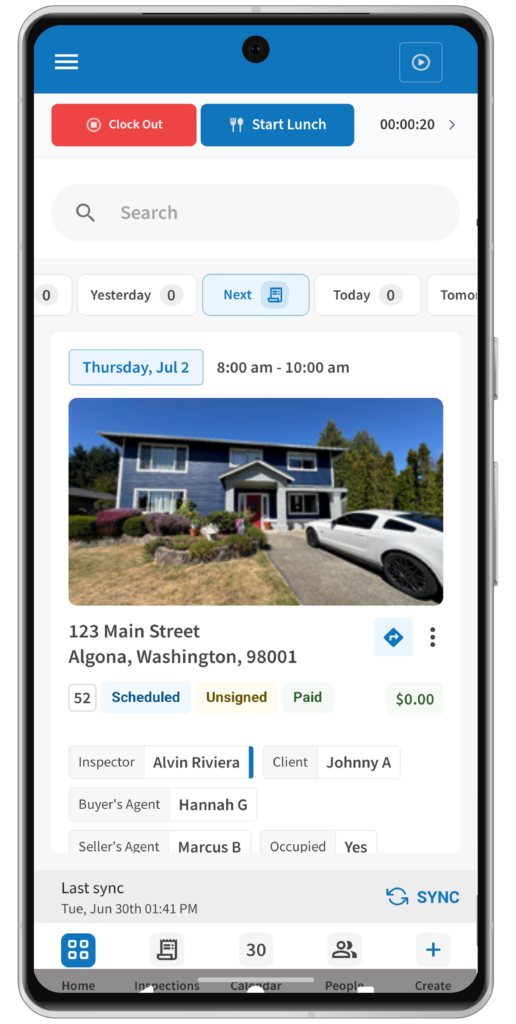
Thanks to the new Time Clock Quick Access tool, your current status and running hour total stay visible right in the app header while you jump between the Home screen, Inspection Search, and your Calendar.
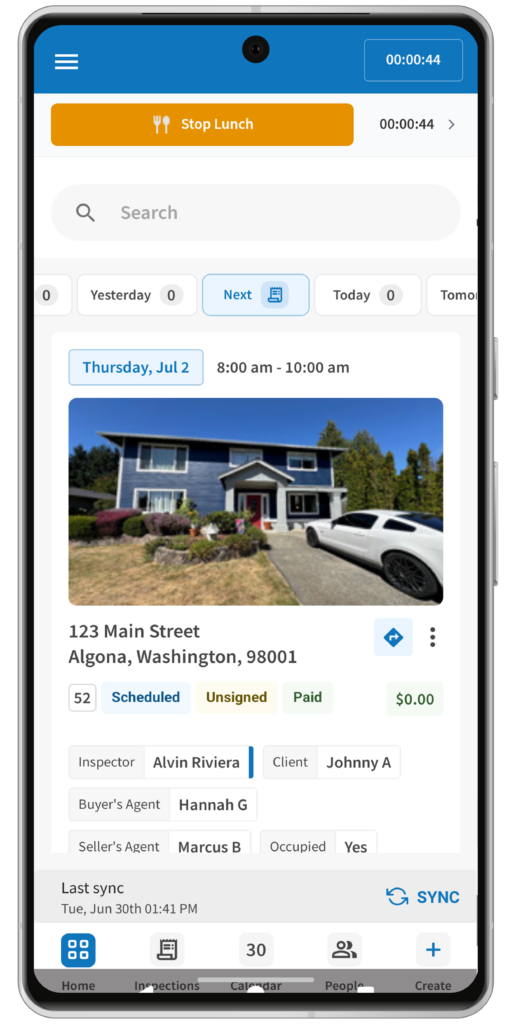
It gives you an instant look at your day and lets you tap straight into your personal punch history, so you always know exactly where your hours stand.
Will inspectors see other team members’ time clock data?
No, the app only shows your own personal time punches to keep things clean and private. It also has built-in guardrails that stop you from accidentally hitting the wrong button, like logging an invalid action based on your current status. Your time clock data stays synced whether you’re moving around the app, refreshing the page, or restarting the app completely.
What are the new custom order controls in the ISN mobile app?
Your order form now works the way you do. Switch between the streamlined mobile layout and your fully customized web order form as you see fit.
Your custom setup now carries over to the app, including section names, section order, and custom fields, giving you the same experience whether you’re in the office or out in the field.
If you prefer the simplified mobile layout, it’s still available whenever you need it. Best of all, you only have to choose once. Set your preferred order form as the default, and the app will remember your choice for every inspection. Need the other layout for a specific job? Switch back anytime with just a tap.
What other recent updates should home inspectors know about?
We have rolled out a handful of recent updates to turn the app into your best field companion:
A redesigned home page
You get a clean, centralized workspace with simplified bottom navigation, 10 time-based filters (such as Today, Tomorrow, This Week, and Next 3 Weeks), and a global office search.
The inspection cards even change size automatically based on your schedule density – showing a larger card with a big “Write Report” button if you have a single job, or switching to a tight, compact list layout if you have a busy day.
Managing multiple offices just got easier. If your permissions allow it, you can quickly switch between offices to view the schedule that’s most relevant to you. The app remembers your last selected office, so you’re always right where you left off. You can learn more about these changes in our guide on what’s new in the redesigned ISN mobile app for home inspectors.
Quick field actions
Handle quick admin tasks right from the Inspection Details screen without pulling out a laptop. You can manually mark agreements as signed if you handled them outside the system, log outside payments to update order statuses instantly, and send separate invoice or agreement emails through their own dedicated workflows instead of navigating a global screen. We also added confirmation pop-ups before anything updates so you don’t accidentally click the wrong thing.
Faster Biometric Login
No one has time to fumble with passwords when there’s a property to inspect. We replaced the old email lookup steps with a direct login flow using your company key, username, and password. It’s simple to turn on Apple Face ID or fingerprint login right after you sign in so you don’t have to type your credentials every time.
If you work across a few different inspection companies, the app can even remember your biometric login separately for each company key. Read the full details on how to get faster access to ISN with Face ID and fingerprint login options.

How do I get the latest version of the ISN native app?
Check your device for updates to make sure you are using the latest version. If you haven’t downloaded it yet, grab the app from the App Store or Google Play, and while you’re there, don’t forget to drop us a review!
Want to see these mobile features in action? Watch our video on the five great reasons you should use the ISN Mobile App or start your free 30-day ISN trial today.