
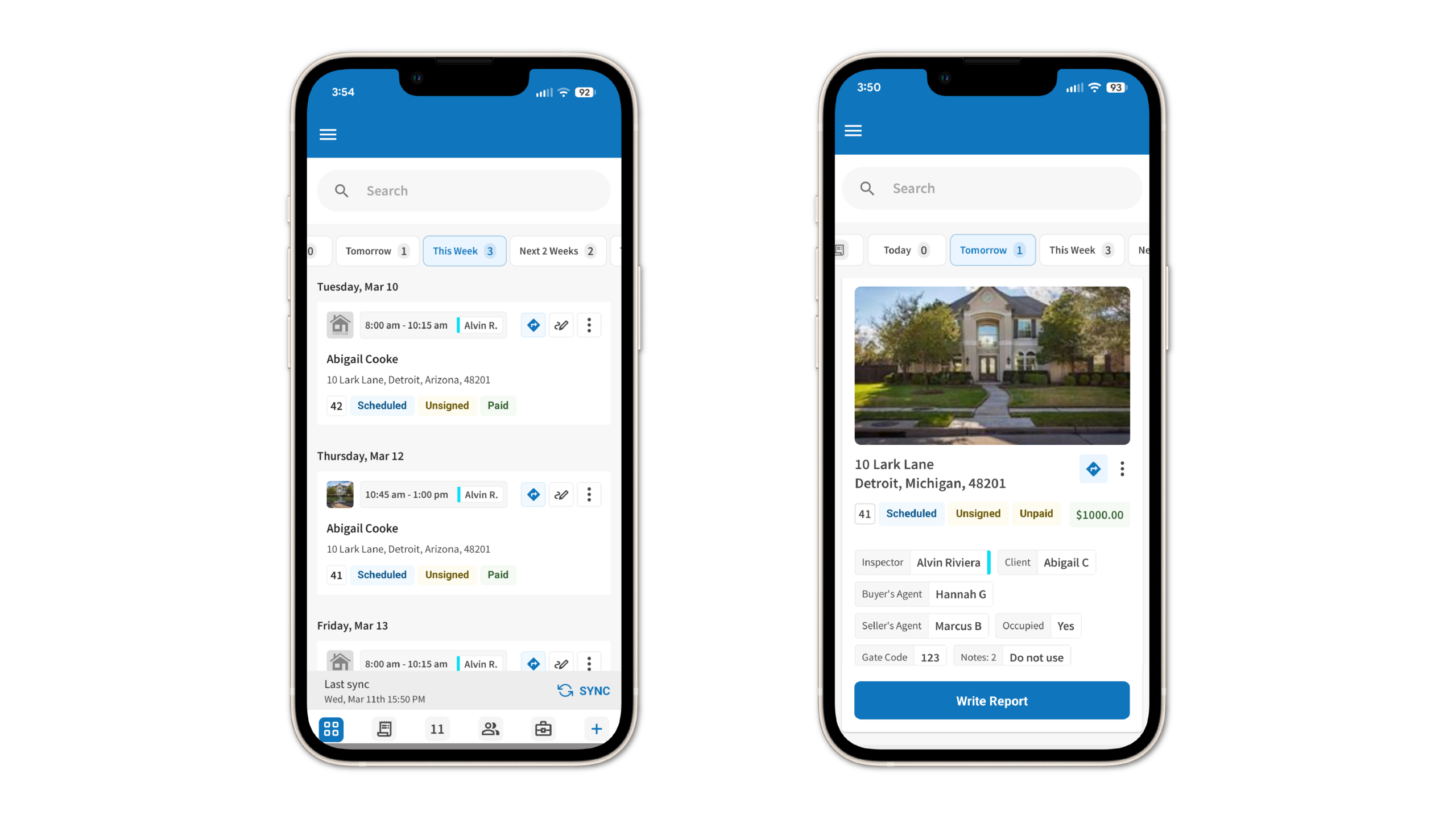
The ISN native app just got a major refresh, with a redesigned Home Page, streamlined navigation, office switching, and faster access to inspections and common tasks in the field.
This update also transforms the Home Page into a more centralized workspace with broader visibility into inspections happening in the selected office – not just inspections assigned to the logged-in inspector.
The app refresh also introduces new quick actions, inspection filters, global search, and workflow improvements designed to help inspectors handle more tasks their mobile device.
How does the redesigned ISN native app Home Page work?
Previously, the ISN app Home Page only showed the next inspection assigned to the logged-in inspector. That could leave users opening the app on an empty or low-value screen if no inspection was assigned to them.
The redesigned Home Page now gives inspectors a more centralized view of inspections happening across their selected office. Depending on permissions, users can view office-wide inspections instead of only their own assignments.
For users with company-level visibility permissions, the Home Page can now display inspections across the selected office, helping inspectors, office managers, dispatchers, and coordinators access broader inspection activity directly from mobile.
Multi-office users can also switch offices right inside the app, and the app remembers the last office they selected.
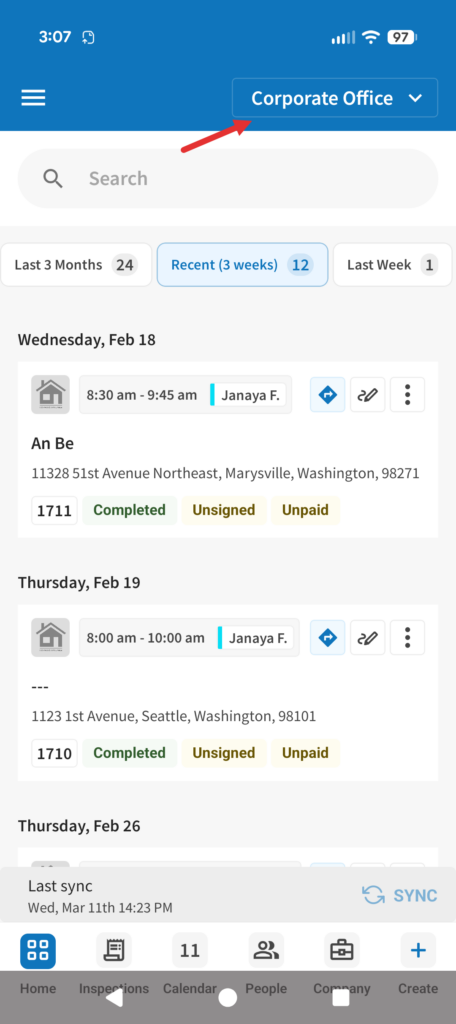
What new features were added to the redesigned ISN native app?
The updated experience also includes:
- New bottom navigation that keeps common actions easier to access
- Global inspection search within the selected office
- 10 time-based inspection filters
- Dynamic inspection card layouts based on inspection count
- Quick actions from inspection cards
Inspection filters now help users organize inspections across time ranges like Today, Tomorrow, This Week, Next 3 Weeks, and more.
The redesigned inspection cards also adjust automatically, depending on how many inspections appear within a selected filter. Here’s an example of the home page displaying a large card layout if a filter returns a single inspection – the larger card provides additionalspace for more inspection details and a large Write Report button.
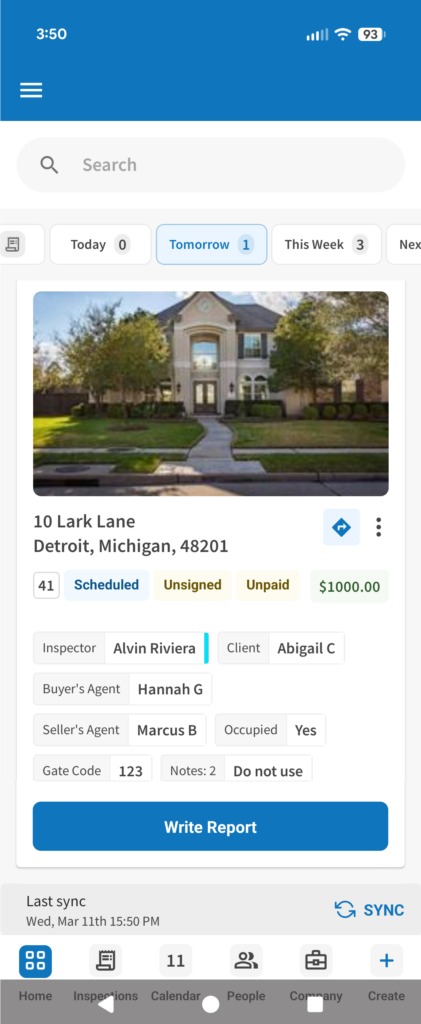
If a filter returns two or more inspections, the Home Page switches to a compact list-style layout. This layout allows inspectors to scroll through multiple inspections with a smaller write report button.

What new quick actions are available inside the ISN native app?
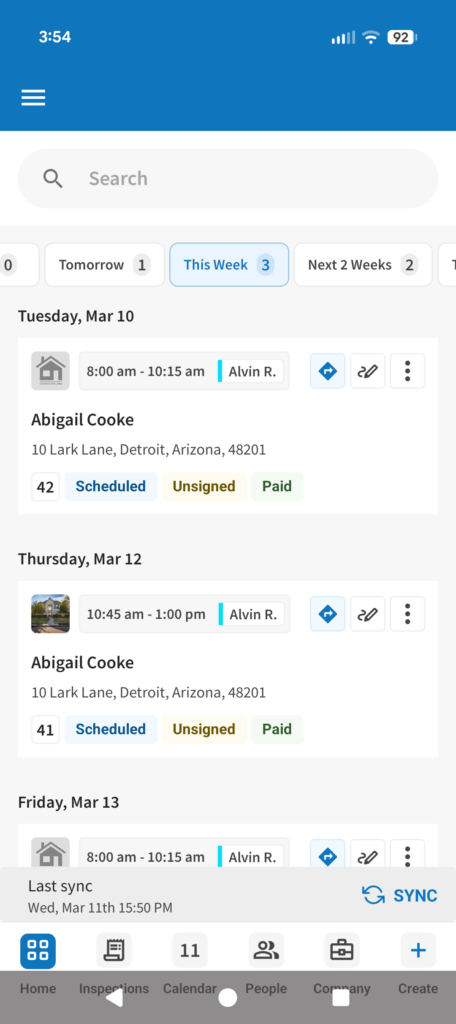
The updated app adds several new actions directly from the Inspection Details screen, so inspectors can handle more administrative tasks from the field without switching back to a desktop or laptop computer.
Inspectors can now:
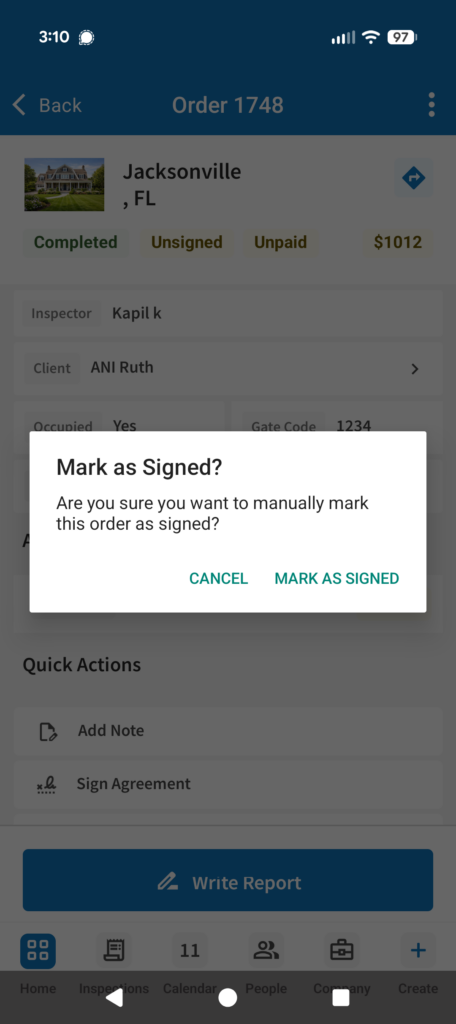
Mark agreements as signed – Inspectors can manually update agreement status directly from mobile when handled outside the system
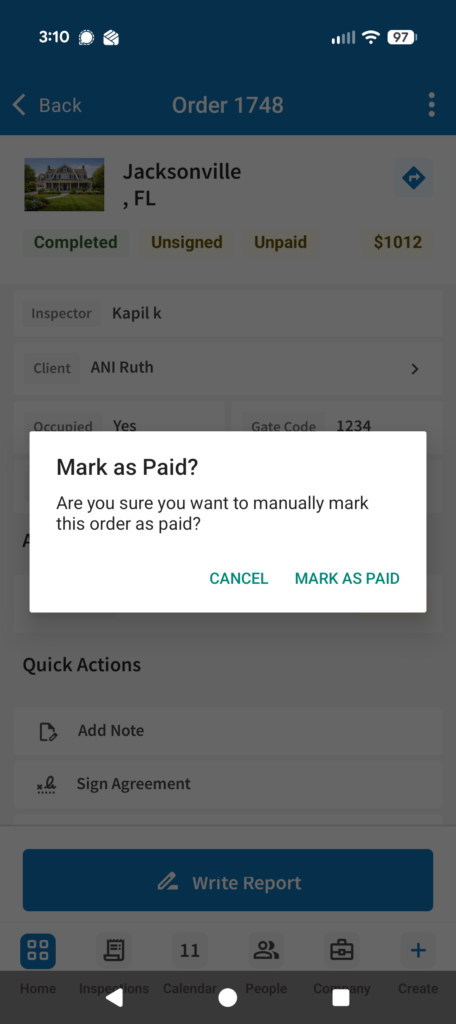
Mark orders as paid – Inspectors can record payments received outside the platform, updating order status instantly
Send invoice emails – Brings the option to send the invoice email out into its own workflow. Previously, inspectors had to access it through the global send email screen.
Send agreement emails – Brings the option to send the agreement email out into its own workflow. Previously, inspectors had to access it through the global send email screen.
These updates help inspectors work more efficiently when handling agreements, payments, and client communication throughout the day.
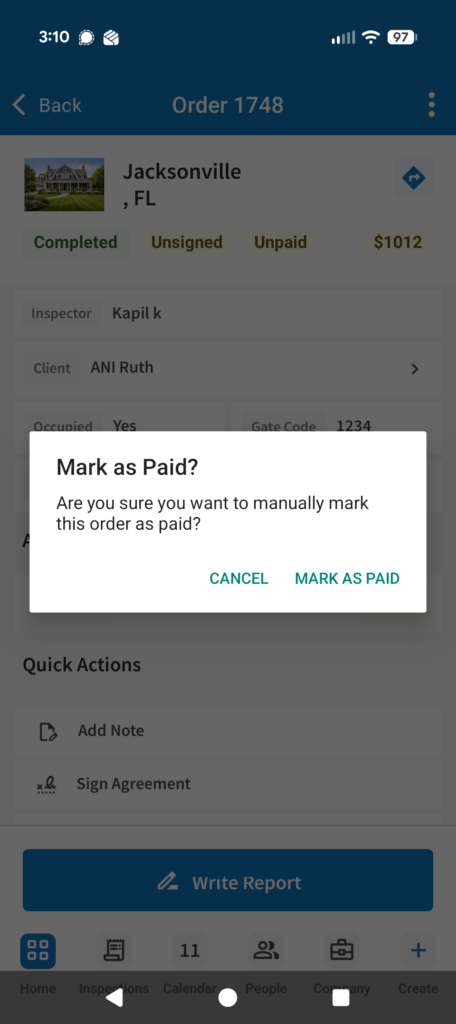
The app also includes confirmation prompts before agreement and payment status changes to help prevent accidental updates.
Why does this redesign matter for inspectors?
Inspectors already bounce between inspections, office coordination, agreements, payments, and client requests.
The redesigned ISN app makes it easier to manage inspections, monitor office activity, and handle admin tasks from the field.
Ready to explore the redesigned ISN native app?
The updated ISN app is available now. Already using it? Great – log in and start taking advantage of these awesome new features. If you don’t have the app yet, grab it from the App Store or Google Play, and while you’re there, don’t forget to drop us a review!
And just a gentle reminder to all ISN app users – be sure to check for updates to the app. We make regular improvements to it and want to make sure you’re benefiting from its capabilities as much as possible.
Want to see how ISN helps inspection companies manage scheduling, communication, report writing, payments, and more? Start your free ISN trial today.