
How many new features has ISN released so far this year?
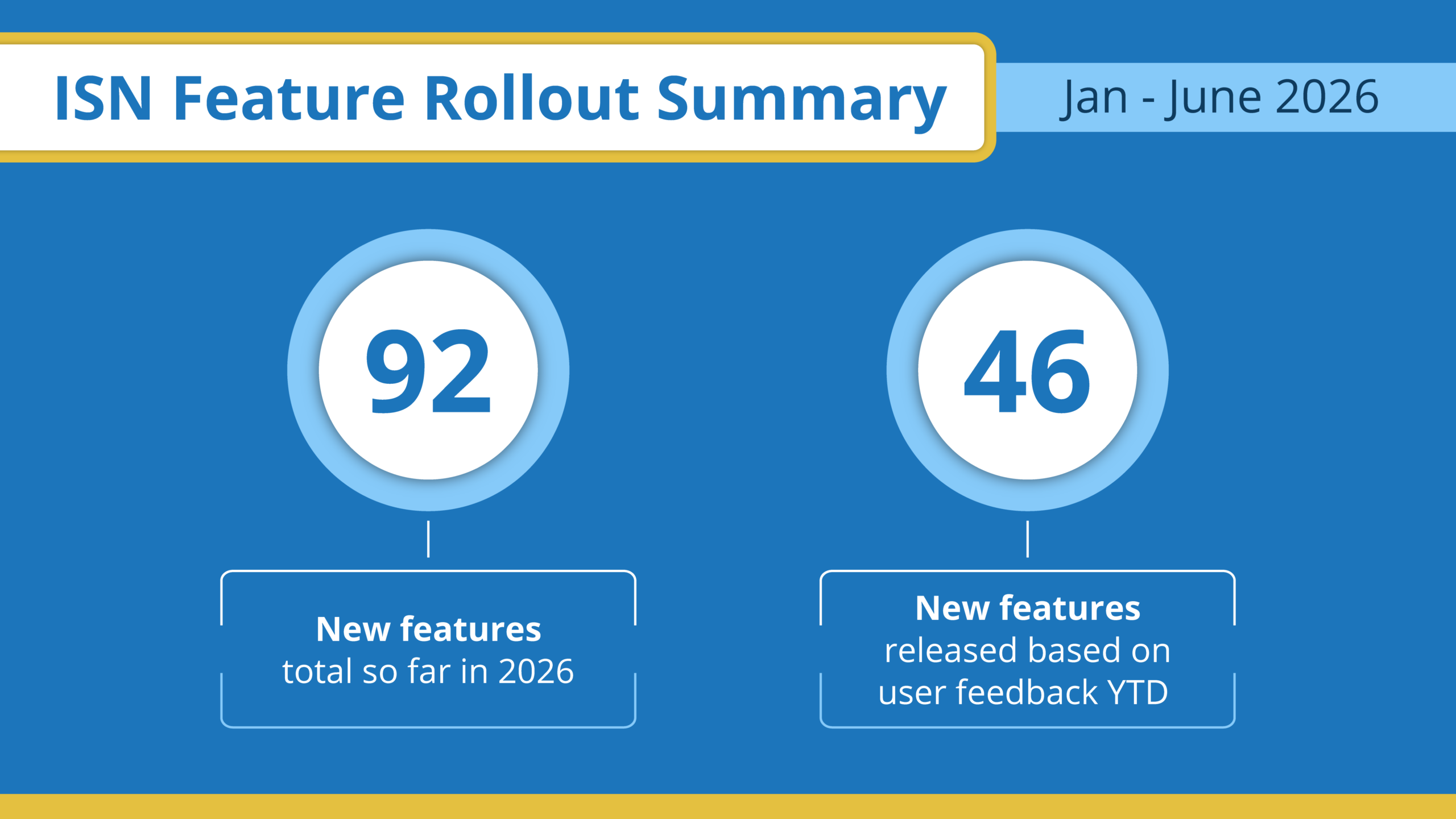
It’s been a busy year so far at ISN. Since the start of 2026, we’ve released 92 new features, and 46 of those came directly from feedback requested by you, our customers. You asked for better tools to run your business, we listened, and we delivered.
ISN is built to grow right along with your business. In 2026, we’re not just throwing new features at you – we’re giving you a flexible system that scales as your operation handles more volume. Every update we’ve dropped over the last six months was built to cut out the busy work, save you time, or put more money in your pocket.
Let’s dive into the details on how these updates bring faster workflows, faster report writing, faster booking, and faster growth to your operation.
Why should I make the switch to the ISN Report Writer?
New features inside the software help you move faster and look more professional to your clients and agents. We cut down on manual typing and repetitive administrative tasks so you can finalize your reports and get them out the door in record time.
Want to see exactly how it speeds up your day? Watch the top five great reasons to use the ISN Report Writer.

How does the ISN Report Designer make me look more professional?
The new Report Designer gives you full control over your presentation. You can customize your layouts and match your exact brand. It’s an easy way to make your business stand out from the local competition.
Instead of a one-size-fits-all template, you can choose a layout that matches how you talk to your clients and agents:
- The Default Layout: This straightforward, text-first setup keeps your written observations front and center so clients and agents get a clean, familiar read without extra clicking
- The Grid Layout: This visual option blocks out categories into an easy-to-scan grid, making it perfect for agents who want to scan the report and click into the details they care about
- The Large Cards Layout: This photo-forward structure puts large images right alongside your findings, making it impossible for a buyer to miss a major defect
- The Split View Layout: This modern presentation puts your text comments on the left and a clickable photo carousel on the right so readers can swipe through multiple images while keeping your notes right next to them
No matter which layout you pick, your clients get a seamless side-panel experience. When they click on a specific line item, the full breakdown slides in from the right without covering the main report, so they never lose their place. See these new customization tools in action: Make your home inspection reports stand out with the ISN Report Designer.

How does the new Summary Organization feature work?
Built directly into the Report Designer, Summary Organization gives you more control over how your report is structured. Instead of fighting with a rigid layout, you can choose exactly where the summary makes the most sense for your business:
- Put it right up front: Ideal for busy agents who want to see the major defects immediately without scrolling through the whole document
- Save it for the end: Great for clients who need to see the full context of the home before reading the final breakdown
- Group by severity: Let readers sort findings by what needs fixing right now versus what can wait, keeping everyone on the same page
You can even double-check how the layout looks in a live preview before you send it out to the client.
What new business management tools are available to boost revenue?
We added powerful new scheduling and upsell tools to help you save time, boost revenue, and keep your clients happy:
- Premium Time Slots: Charge a premium fee for your most highly requested or limited inspection times
- Packages After Services: This tool helps you prevent sticker shock by letting you display your basic inspection prices first, giving potential clients a chance to commit before you introduce premium packages or ancillary add-ons
Learn how to maximize your schedule and boost your bottom line: Get compensated fairly with ISN’s new Premium Time Slots feature!

What’s new with the ISN mobile app?
We updated the ISN mobile app to put all the power of ISN right in your back pocket or on your tablet. Working on the go is faster and easier than ever with these updates:
- Home page refresh: Get a cleaner, quicker view of your daily schedule the second you open the app
- Biometric login: Securely log into your app in seconds using your face or fingerprint

And if you haven’t already, download the ISN mobile app from the Apple Store or Google Play today so you can tap into all its features on the go. And while you’re there, don’t forget to drop us a review so we can continue to make improvements to the app!
How can I test drive these new updates in the field?
We can talk all day about how these new tools accelerate your business, but the real proof happens on the job.
If you’re looking for new home inspection software, then start your free trial today and experience how ISN takes the friction out of your scheduling and report writing. If you’re already an ISN customer, all you have to do is login and start kicking the tires on these new features, if you haven’t already!