
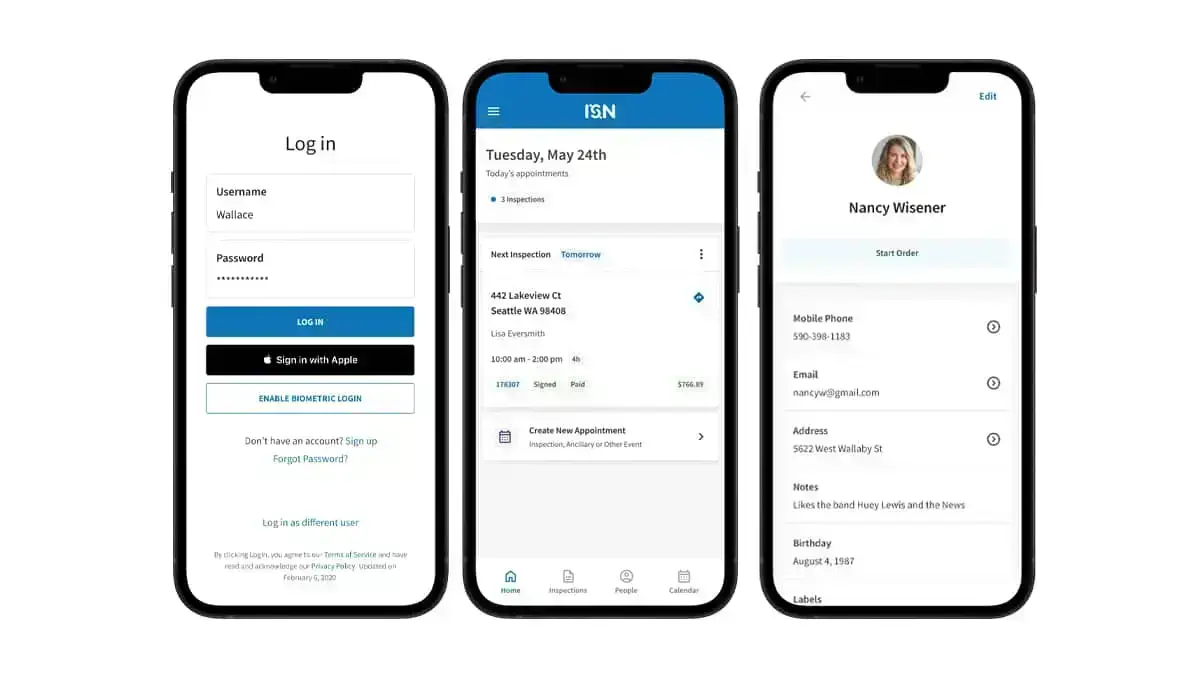
If you’re searching for Horizon home inspection software reviews or comparing ISN vs. Horizon, you’re probably looking for home inspection software that’s reliable, flexible, and easy to use in the field. Both platforms offer inspection report writing, customizable templates, and offline support, so you can work anywhere – even in basements or attics without Wi-Fi.
But not all inspection report-writing tools are built the same. Some make your life easier, and some require a lot of extra steps. ISN delivers powerful features that streamline report writing, improve customization, and enhance client communication.
Where ISN stands out in home inspection software
Beyond the basics, ISN provides tools that speed up inspections, create dynamic home inspection reports, and simplify client interactions. Here are a few key capabilities ISN has that Horizon doesn’t:
Video integration – Because sometimes a picture isn’t enough
Some issues – like a flickering electrical panel or a shaky deck – just don’t translate well in photos. With ISN, you can embed videos directly into reports, helping clients and agents see exactly what’s going on. Clearer findings, fewer follow-ups.
Horizon keeps you stuck in the world of static images, leaving clients to interpret findings on their own. Why settle for snapshots when you can give them the full picture?
AI-powered home inspection reports – Smarter, faster inspections
ISN’s AI Comment Helper takes the grunt work out of inspection report writing. Auto-suggestions generate accurate, pre-written comments for findings, so you can focus on inspections instead of typing the same notes over and over. The best part? It’s fully customizable, meaning you can adjust suggestions to match your tone and style.
ISN also includes the AI Image Defect Detector, which analyzes your inspection photos and automatically spots visible issues. It highlights defects in the image and generates detailed comments you can drop right into the report. Instead of reviewing every photo and writing explanations one by one, the system pulls out the problem areas and pre-fills the matching comments for you – saving time without losing clarity.
Interactive reports – Give clients and agents a better experience
ISN’s interactive reports do more than just list defects – they help clients and agents navigate findings with ease. Clickable photos, embedded videos, and a built-in Repair Request Builder make reports clear, actionable, and mobile-friendly.
Horizon? Basic, static PDFs with limited interactivity. That means more emails, more confusion, and a less seamless experience.
More customization with HTML editing
Your home inspection reports should match your business, not force you into a rigid template. ISN’s advanced HTML Editor gives you full control – customize layouts, add tables, insert links, and fine-tune the details to match your brand. Want to get even more hands-on? Dive into the HTML for deeper customization.
Horizon? What you see is what you get – limited editing and layout flexibility.
Repair Request Builder that keeps everything in one place
Negotiations can get messy when agents and buyers have to piece together repair requests manually – jumping between emails, spreadsheets, and the inspection report itself. ISN makes it simple with a built-in Repair Request Builder that lets agents and buyers create a customized list of repairs and credits directly from your home inspection report. Less back-and-forth, smoother negotiations, and faster closings.
Horizon doesn’t offer a tool like this, which means more manual data entry and more time spent re-wording the same findings.
Choosing the right home inspection software
If you’re deciding between ISN and Horizon, the right home inspection software should help you work efficiently, communicate clearly, and deliver a better experience for clients and agents. ISN combines AI-powered comments, video integrations, and flexible customization that help you deliver clear, professional home inspection reports with less effort.
Choose ISN and give your business the modern tools that support your workflow from start to finish.